For owners and homeowners
Generate your CRA T776 tax package
Produce a Canada Revenue Agency T776 Statement of Real Estate Rentals for a property, or for your whole portfolio, for a calendar year.
Before you start
- The T776 tax pack is a Pro and up feature.
- Accuracy depends on your data being complete for the year: the rent charged for each month, your operating expenses, and any major improvements you have logged.
Steps
- Make sure the year's rent charges and expenses are recorded.
- Open Taxes from the Money area, or the tax pack for one property, and pick the tax year.
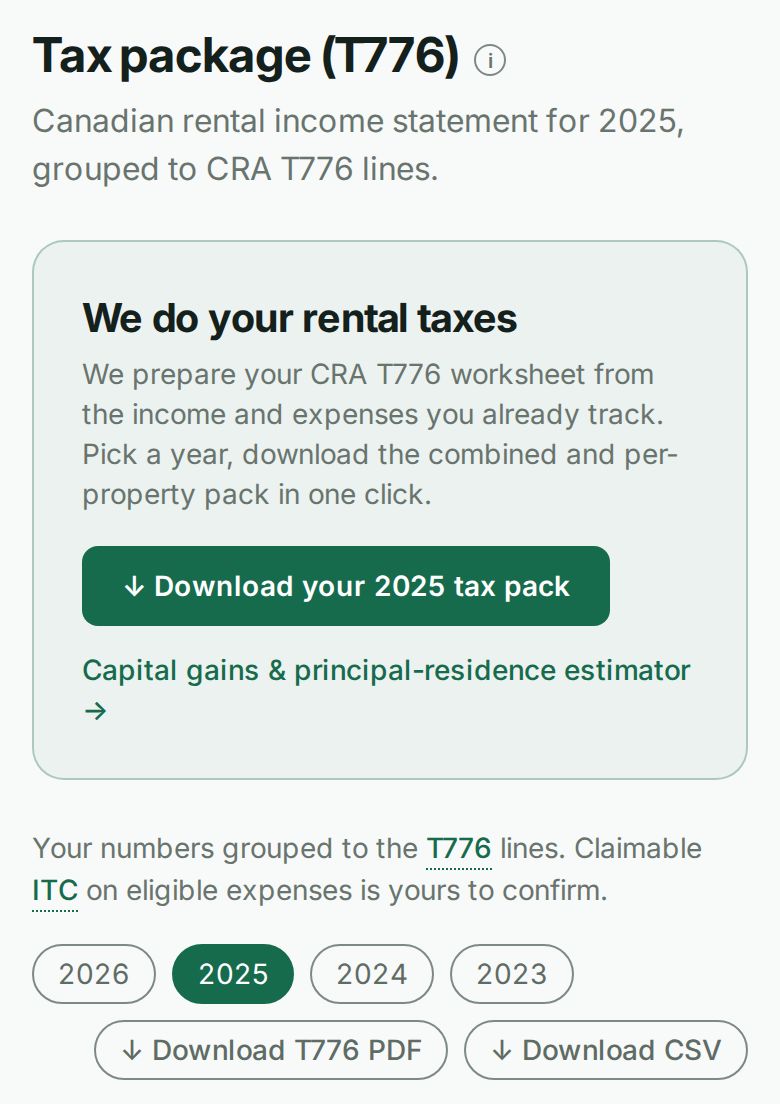
- Review the statement and choose Download T776 PDF for your records or your accountant.
What happens next
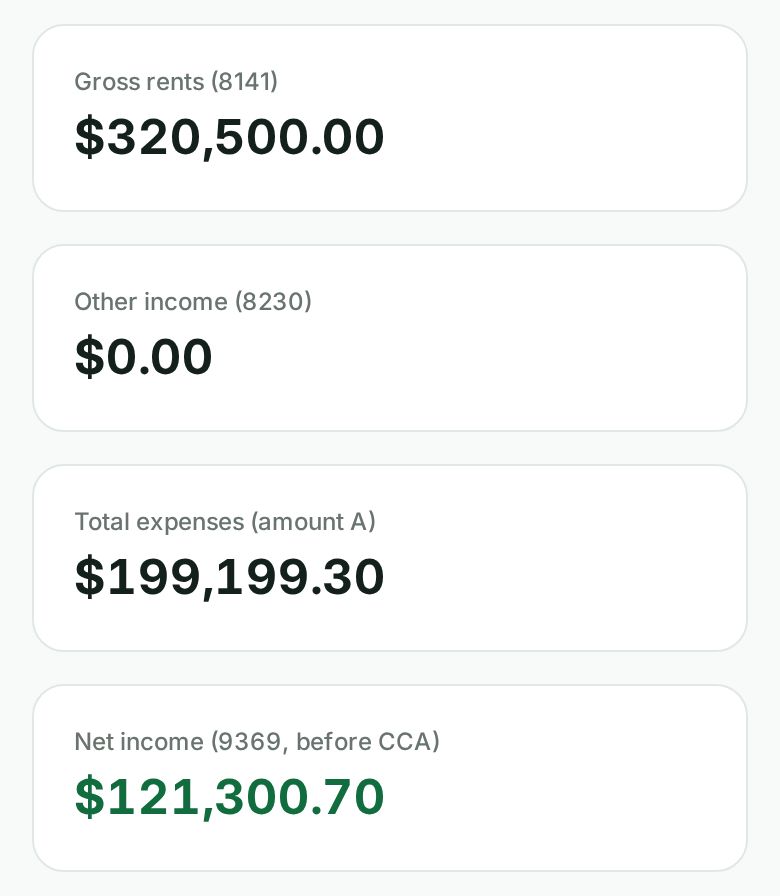
- The pack is prepared on the accrual basis. Gross rents (line 8141) is the rent charged for the year, whether or not it was paid yet. If you recorded payments but no rent charges, the page warns you rather than guessing.
- Other income (line 8230) is income that is not rent: a fee you charged when a payment bounced, a card surcharge, a deposit amount you kept at move-out or when an applicant walked away, and every charge you added as something else, not rent (parking, keys, cleaning, damage, utilities, a late fee). Those show as Other charges to tenants. The page lists what line 8230 holds, and line 8299 is the total of 8141 and 8230. A charge you voided leaves line 8230 entirely.
- Late fees Wealthru adds for you go to line 8230 from the October 2026 release on. Late fees and one-off charges recorded before then stay as rent on line 8141. To move one, void it and add it again as something else.
- Operating expenses are grouped onto the matching T776 lines. Anything you marked as a major improvement is kept off the operating total and shown on the capital schedule instead.
- Line and column numbers follow the 2025 CRA form. Total expenses is the form's amount A, which has no line number, and line 9369 is net income before adjustments: gross rental income minus total expenses. In the CCA chart, UCC after additions is column 7, the half-year adjustment column 18, the CCA claimed column 23 and the closing UCC column 24.
- Any GST or HST on expenses is summarized for your input-tax-credit reference.
- Capital cost allowance (CCA) is optional, so line 9369, net income before adjustments, is shown before any CCA. If your account has the CCA engine turned on, you can decide how much to claim per pool, and the pack adds line 9936 (CCA claimed) with the net income after CCA below it. CCA figures are a preview pending review, and recapture on a sale is computed separately. Your accountant confirms what to claim.
Sending it to QuickBooks or Xero
- The accounting export uses the same accrual basis as the worksheet. Its income equals lines 8141 and 8230 to the cent, and the page says so under the download buttons.
- If the worksheet's expenses include mortgage interest calculated from your schedule, or bad debts, the page names them. They are worksheet figures, not transactions, so they are not in the file.
- Capital improvements are in the file on their own account, not as an operating expense.
Capital assets
- The By property table follows the year you picked. The Capital assets list below it covers every year, because capital cost carries forward. The page says which is which.
- An asset that came from an expense row is badged from an expense, whether you ticked "This is a capital improvement" when you first saved it or moved it to capital later.
Notes
- All amounts are exact, to the cent, in Canadian dollars.
- It is a statement to support your filing. It is tooling, not tax advice, and not a return.