For property managers
Work your money lists on a big screen
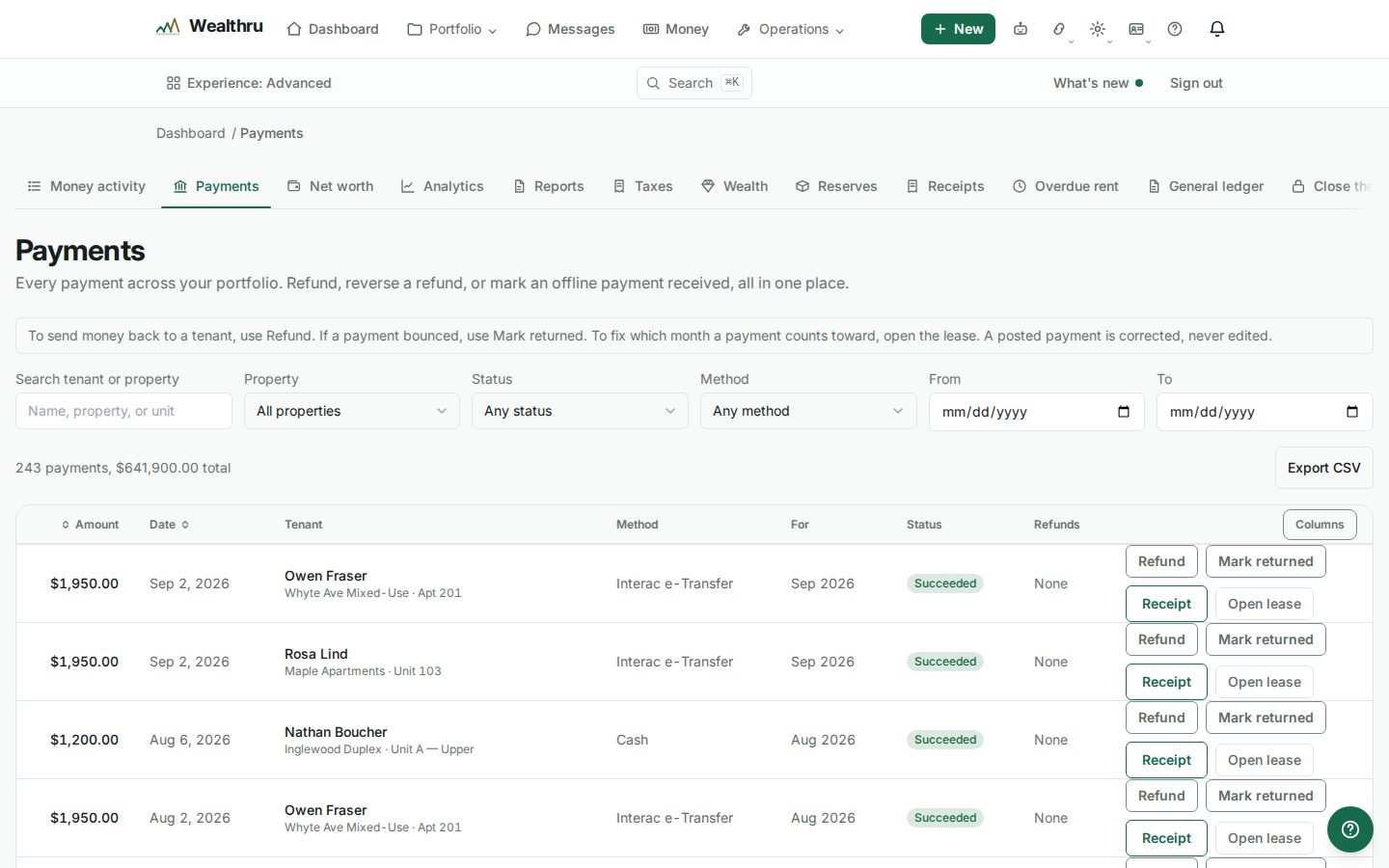
On a laptop or a desktop screen, the Payments, Receipts, General ledger and Approvals lists use the width of the screen, and Payments, General ledger and Approvals fit more rows. Receipts has many columns, so it keeps its row height and scrolls sideways on a smaller laptop. On a phone they look exactly as before.
Sort a list
- On Payments, click the Amount or Date heading. Click again to reverse the order. Your filters stay as they were.
- On Receipts, click Receipt date or Amount. Your filters stay as they were.
- On Approvals, click Type, Amount or When. Sort by When to see the oldest item waiting for sign-off first. The Amount sort puts every kind of item in one order, so a held payment, a refund and a write-off sit side by side by size. Check the Type column before you act.
- The order is part of the page address, so a reload or a shared link opens the list in the same order. On a phone the list keeps that order, but the headings are not clickable there.
Why some lists have no sort
- A very long history. When Payments or Receipts holds more than the list loads at once (2,000), it shows the most recent ones and says so above the list. Sorting only those would look like the largest amount you ever had, when it is only the largest of the recent ones, so the headings are not offered. Narrow the dates or the property and the sort comes back.
- Receipts on a property's own page. The Receipts section inside a property keeps the newest first. Open Money, then Receipts, and pick the property to sort.
- The general ledger. Its transactions load a page at a time with Show more, newest first. A sort would only reorder the part already loaded. The trial balance is always in account order, because that order is the report.
Read the total above a list
The line above Payments and Receipts says which set its figures cover:
- "12 payments, $14,200.00 total" means every payment in the list was received.
- "12 payments, $12,800.00 received, $1,400.00 not received" means some payments are still pending, failed or were cancelled. Only the first figure is money that arrived.
- "9 expenses, $3,100.00 on the books, $450.00 awaiting approval or rejected" means some expenses are waiting for sign-off or were rejected. They do not count in your books until they are approved.
- "3 payments match these filters" means a filter or a search is narrowing the list.
- "The 2,000 most recent payments" means the list is not your whole history.
Hide a column
On a wide screen, the menu at the right end of the heading row hides columns you do not need, like Method on Payments or Seq on the ledger. The choice is remembered on that browser only.
Related
Was this helpful?